The link carries your changes, and a page opened without it shows the book again. To keep your changes in your account, press Save changes and give them a name, see Save your changes under a name.
How to send your changes
- Open an item and change a quantity or a rate, see Change a quantity or rate.
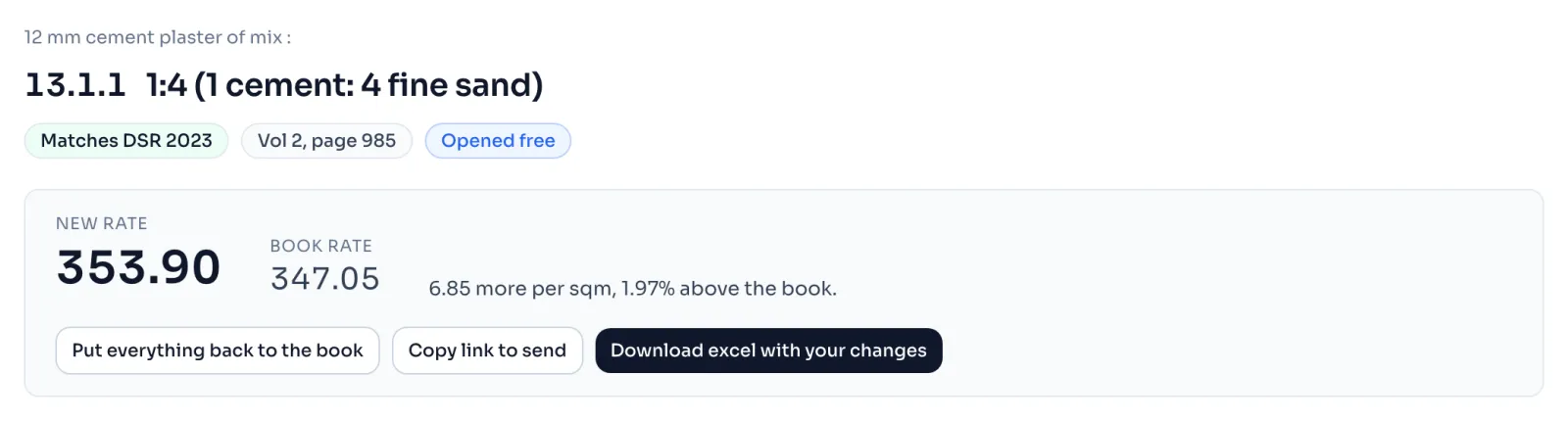
- Press Copy link to send. The button says Copied for a moment. It shows only after you have changed something.
- Paste the link in a message and send it.
- The list What you changed says that the address of the page carries your changes, so you can send it to somebody.
Who can see your changes
- Somebody with a pass opens the link and sees the full page with your changes in it.
- Somebody who has already opened that item free sees the same.
- Anybody else, signed in or not, sees the free page of the item with its rate, and a line saying that the link carries changes somebody made. To see them, they sign in and press Open free on that item, or buy a pass. That uses one of their 3 free items, and the item then stays open for them.
Opening a link never uses a free item by itself. It is used only when they press Open free.
Things to know
- A link is for one item. The printing of the item is in the link too, for a code that is printed more than once.
- A link holds only as many changes as one item can hold, and a figure that is much longer than any rate needs is not taken. A change for an item the link does not use is left out, and the list says so.
- If a link cannot be read, the item opens as the book prints it. You do not get an error page.
- The person who opens your link uses their own day's views, see Daily limits.
- To keep a set of changes for later, save them under a name, see Save your changes under a name, or keep the link, or download the excel, see Download the excel.
If you see this message
Open the full build up to see them on the free page of an item
The link carries changes, but you cannot see them yet. Sign in and press Open free, or buy a pass.
because they belong to a different item or to a line that carries no figure. at the foot of What you changed
Those changes are for another item, so they are not used on this one.
The Delhi Analysis of Rates 2023 is published by the Central Public Works Department, Government of India, and the copyright in it belongs to CPWD. RateAnalyser is not connected with CPWD and does not claim any right in the book. What this site adds is our own work: reading the book, checking its arithmetic, and the tools built on top of it. Always check against the published book before you use a rate in a bill.