The free justifications are there so you can check real schedules before you buy anything. After they are made, more schedules need a pass, see Pass prices.
How to make one
- Sign in and press Justification in the side menu.
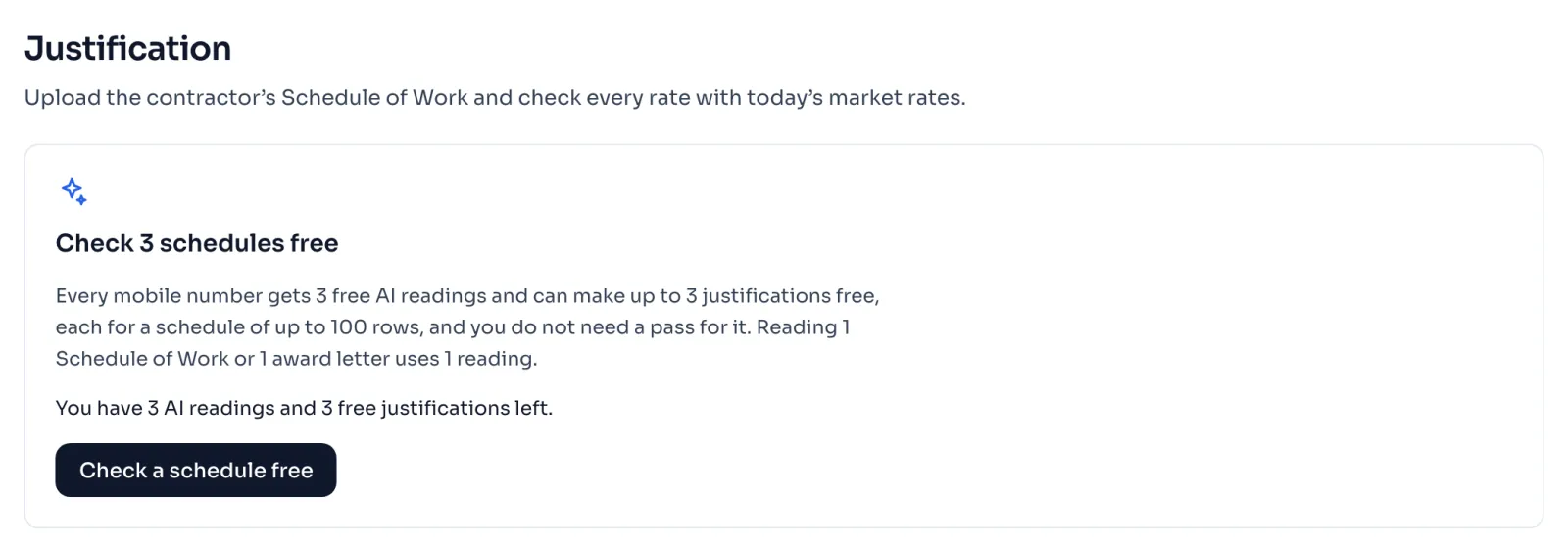
- On the card Check 3 schedules free, press Check a schedule free. The card also says how many AI readings and free justifications you have left. The title counts down as you make them, and at the last one it says Check 1 more schedule free.
- On the page New justification, the badge Free shows with a line that this is a free justification. Choose your Schedule of Work and press Read with AI. Upload the Schedule of Work
- Check the rows, enter the market rates and read the justification the same way as with a pass. Check the rows
What opens
The table of items, the page of every item on your schedule, the market rates, the PDF and the excel all open for a free justification. They open only for the items of that schedule, so a free justification does not open the rest of the book.
Things to know
- Reading 1 Schedule of Work or 1 award letter uses 1 AI reading, so a number that also reads award letters makes fewer free justifications. If you do not read an award letter, type the quoted percentage and the other figures from it yourself on the page Check the rows.
- Count the rows on your paper first. A free justification holds a schedule of 100 rows or less. If your schedule has more, the justification is not made, the reading is used, and a pass is needed to go on.
- The free readings and the free justifications belong to your mobile number. Deleting a justification, or making a new account on the same number, does not give them back, and more justifications need a pass.
- Once a free justification is made, the items on it cannot be changed, so check every code before you press Make justification. You can still change the rates and your decisions.
- The item pages you open count in your daily limit, and the PDF and the excel count as files, see Daily limits.
- When all the free justifications are made, the card says You have used your free justifications and shows what a pass costs. When the free readings are used first, it says You have used your free AI readings, and a pass comes with more readings, see AI readings.
If you see this message
You have used your free justifications
Your number has made all its free justifications. You can still open them and change them, and more schedules need a pass.
You have used your free AI readings
You have free justifications left, but no AI reading to read a schedule with. A pass comes with 3 more AI readings, see Pass prices.
rows, and a free justification can check up to in the card Too many rows for the free justification
Your schedule has more rows than a free justification holds. The reading is used, so buy a pass to check it.