How to read them
- On the tender, open Revenin AI.
- Drop the letter on Award letter and the scan on Schedule of Work, or click each box to choose the file.
- Press Read both, or read one paper on its own.
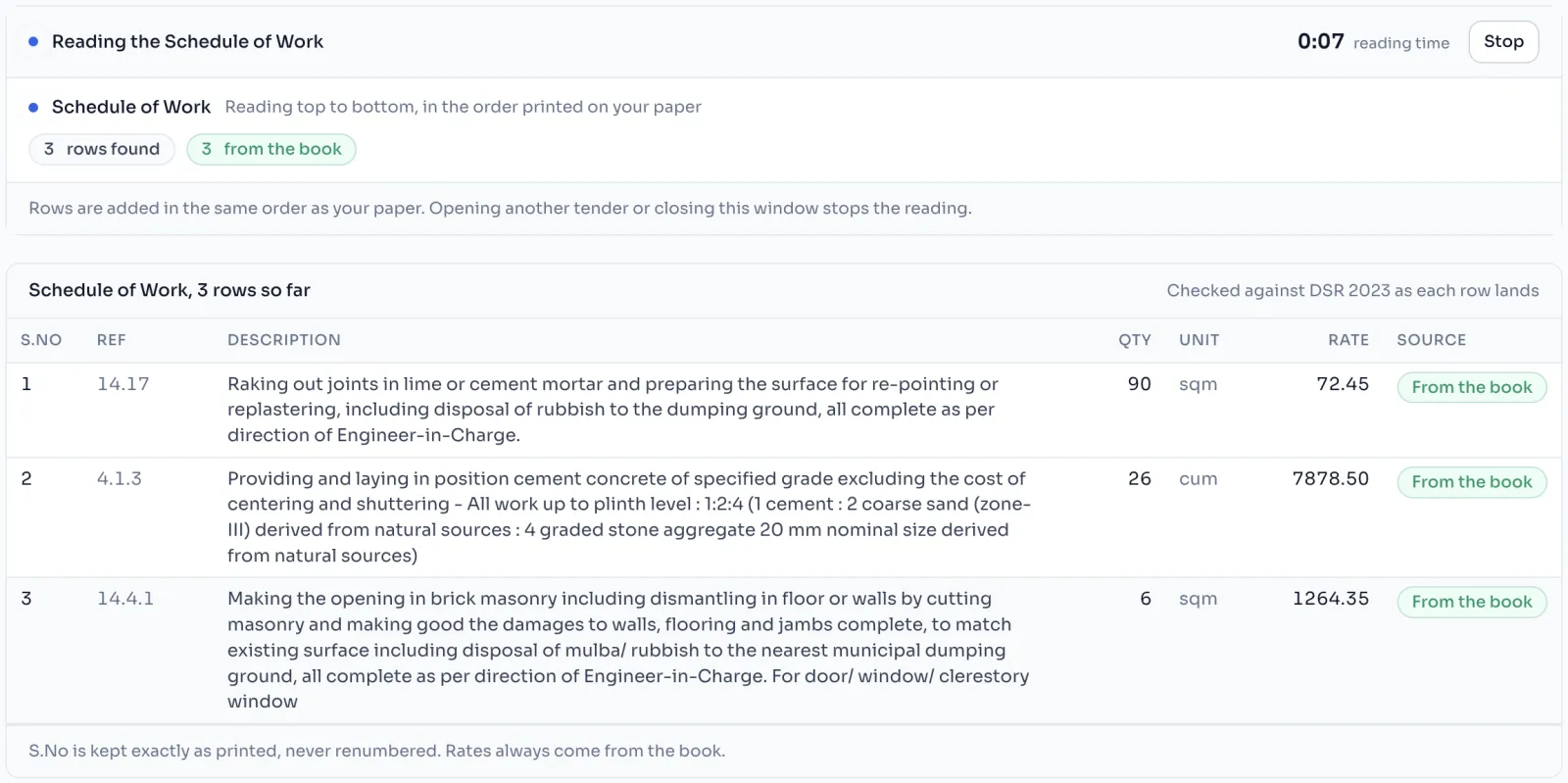
- Rows appear as they are read, top to bottom, with a clock running. Press Stop if you need to.
- When it is done, check what it read and press Apply. Check and apply a reading
Which files work
| File | Largest size |
|---|---|
| 32 MB | |
| Photo in JPG, PNG or WEBP | 5 MB |
Photos from an iPhone are often saved as HEIC, which cannot be read. Send a PDF instead, or save the photo as JPG first.
Things to know
- The award letter takes about 20 seconds. The Schedule of Work usually takes 1 to 2 minutes, depending on the number of rows.
- For a good photo: lay the paper flat, keep all four corners in the picture, use daylight and no shadow, and take one page per photo. For many pages, one PDF is best.
- The tender needs a rate book before its codes can be checked.
- Only one reading runs at a time on a tender.
- You can open the other pages of this tender while it reads, and it carries on. Opening another tender stops it.
- When both papers are read, the letter is read first, then the schedule.
If you see this message
That kind of file cannot be read. Use a PDF, or a photo in JPG, PNG or WEBP.
Send the paper as a PDF, or save the photo as JPG and add it again.
A reading is already running on this tender.
Wait for it to finish, or stop it, then start again.
This tender has no rate book yet, so there is nothing to check the codes
The tender was made without a rate book. Write to us and we will sort it out.