The two accounts
| ContractBill | RateAnalyser | |
|---|---|---|
| Your account is | Your mobile number, opened with an OTP by SMS | One mobile number for one person |
| It belongs with | A firm. Every new account comes with its own firm | You |
| What is kept in it | Your tenders, your bills and your downloads, inside your firm | Your free analyses and your pass |
How to sign in to each
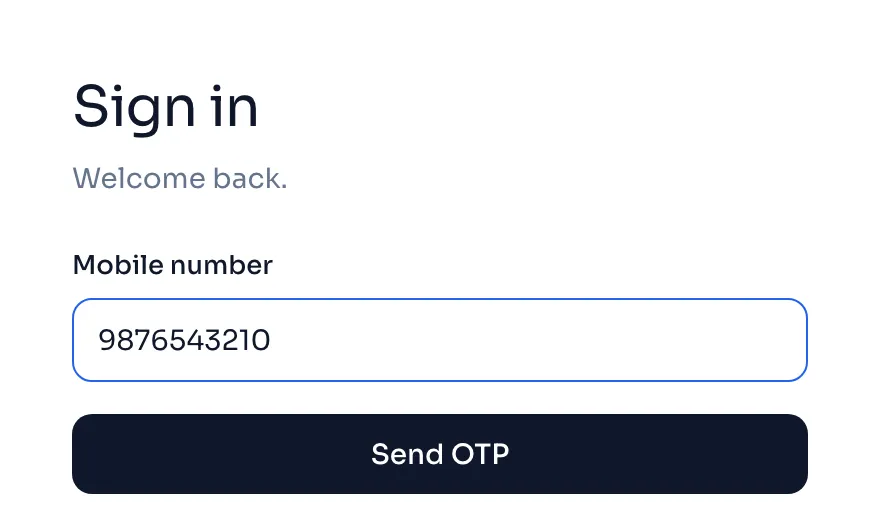
- For ContractBill, type your Mobile number, press Send OTP and type the OTP from the SMS. A number with no account makes a new one. Sign up and sign in
- For RateAnalyser, use its own sign in page with your mobile number. Its steps are in its own guide.
- To sign out of ContractBill on a shared computer, press the round letter at the foot of the side menu and press Sign out.
Things to know
- A ContractBill sign in does not open RateAnalyser, and a RateAnalyser sign in does not open ContractBill. You sign in to each one on its own.
- Nothing is shared between the two yet. The tenders and bills you make in ContractBill are not in RateAnalyser, and what you buy in one is not available in the other.
- In ContractBill your tenders belong to your firm, and only people in your firm can open them. Sign up and sign in
- You can have an account in both. Make one in each product you use.
- Your mobile number is how we find your account when you write to us, so put it in your mail. Write to us